

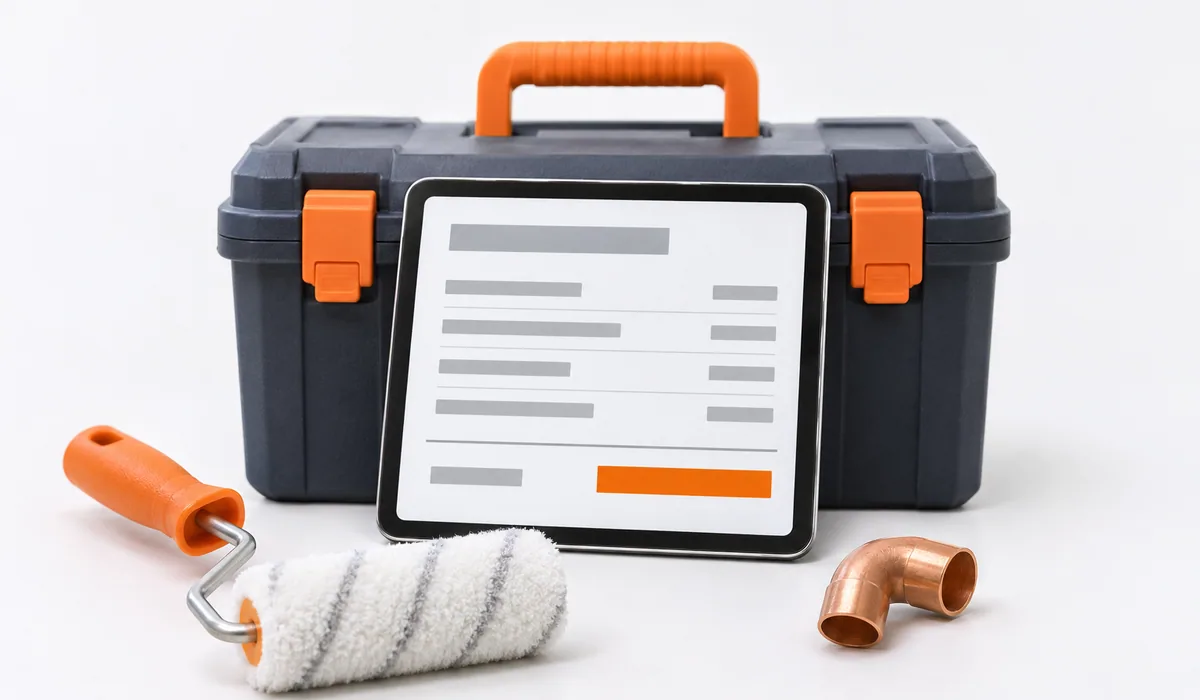
Estimates for installers and painters are the price offers given to a customer before a job, and many installation and finishing companies still make them on paper, in Excel, or as a photo sent on WhatsApp.
A technician who installs a boiler in four hours can lose another two writing the estimate, waiting for an answer, and recalculating prices by hand. A crew that finishes a room in a day can lose an hour on the estimate and another when the customer asks for a change.
We built two apps for these situations. Deviz Instalator is for heating, plumbing, water and sewage installations, and emergency call-outs. Deviz Finisaje is for painting and finishing work. Both run in the browser, on a computer, tablet, or phone, and can be added to the phone's home screen, on iOS or Android, without an app store. They need an internet connection, and the interface is in Romanian.
01Deviz Instalator
On site, you make a quick estimate with only the essential fields. At the office, you make the full estimate, with VAT and markup calculated automatically. Prices start from a reference catalog of 199 items, to which you add your own price list and, if you want, the prices of partner suppliers.
The customer receives a link, opens it on any phone, sees a PDF with your branding, and accepts or declines with one tap. They don't need an account or an app, and you get a notification immediately. On the Business plan, the customer can also sign digitally.
The accepted estimate becomes a proforma invoice, then a tax invoice sent through e-Factura, through Oblio, SmartBill, or a direct connection to ANAF SPV. The app also has an export for the D394 declaration and a cash book module.
The AI assistant suggests indicative prices and material quantities, shows slow periods, and writes clear summaries of estimates for customers. It works only with the data in your account, doesn't train any model on it, and doesn't share it with other accounts.
The Free plan is free forever and doesn't require a card: 25 active estimates and 25 customers, with ads in the app. PRO adds higher limits and full reporting, and removes the ads. Business removes the estimate and customer limits and adds team accounts and digital signature.
02Deviz Finisaje
An estimate takes 3 minutes. On site, you use the quick 3-step estimate, and you build the full estimate from the catalog, across 12 finishing categories: plastering, painting, wall preparation, tiling, flooring, wallpaper, insulation, and others.
On each estimate line, you can attach the exact color. NCS and RAL palettes are free on all plans, and Caparol and Sikkens are available from the PRO Solo plan up.
Here too, the customer approves the estimate from a link, without an account. From PRO Solo up, they can sign digitally, the estimates carry your logo and a custom PDF template, and you get reports with revenue trends over six months, estimate status, top customers, and the labor-to-materials ratio. Also from PRO Solo, you send estimates on WhatsApp, check the customer's CUI, and keep a record of travel.
For teams, there are accounts that use the same data: up to 3 on PRO+, 4 on Business, and 9 on Business+. Between seasons, you can switch to the Hibernation plan, which keeps estimates and customers available read-only at a lower cost than an active plan. You can't create new estimates during this time.
Every new account gets 14 days of PRO Solo free. After that, it moves to the Free plan, unless you subscribe.
03In short, what differs
| Deviz Instalator | Deviz Finisaje | |
|---|---|---|
| Who it's for | Installers and installation companies (PFA, SRL) | Painters, finishing companies, and small crews (PFA, SRL) |
| Catalog | 199 reference items + your own prices | 12 finishing categories |
| Specific features | Invoicing through e-Factura, D394, cash book | NCS, RAL, Caparol, Sikkens colors on every line |
| Digital signature | Business plan | From PRO Solo |
| Team | Team accounts on Business | Up to 3, 4, or 9 accounts, depending on the plan |
| Free plan | Free, 25 active estimates and 25 customers | Free, after 14 days of PRO Solo |
You'll find the full details on the Deviz Instalator and Deviz Finisaje pages.