

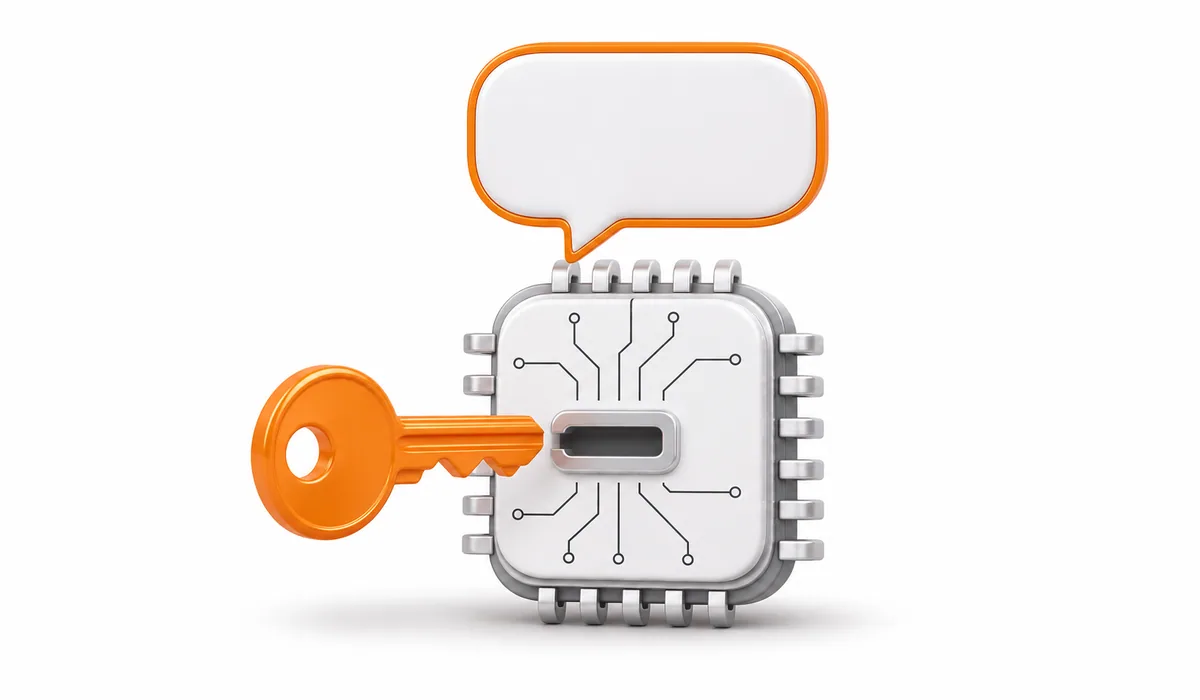
Bring your own key means that AI features run on your own key from the AI provider, and you pay the cost of usage directly to that provider.
In most of the apps and plugins we've built, AI features work this way. You connect an account from OpenAI, Anthropic (Claude), Google Gemini, or another supported provider. We add no markup on top of its price, and we don't use a shared account through which all clients' requests pass.
This way, the cost of AI shows up directly in your account with the provider, separate from the app subscription.
01Which providers each product supports
| Product | AI providers |
|---|---|
| Email 360 | Claude, OpenAI, Gemini, Groq, Mistral |
| Radar 360 | OpenAI, Anthropic, Google Gemini, or Ollama, which runs locally |
| Radar 360 CRM | OpenAI, Anthropic (Claude), Google Gemini, and others, from the PRO plan |
| Website 360 | Claude, Gemini, Groq, DeepSeek |
| TMD Review Manager | OpenAI, Claude, Gemini |
| TMD WOO AI Assistant | Claude, Gemini, OpenAI |
Analiza 360 lets you connect your own AI provider account on the Pro and Enterprise plans. TMD SEO Power Suite and Concrete Blocks Suite also use your keys, with the provider you choose.
02How to keep costs under control
Some products have built-in spending limits. TMD WOO AI Assistant has monthly and daily limits: when the budget runs out, the assistant goes offline and shows a contact card, so you don't get a surprise bill. Auto mode picks cheaper providers and switches automatically to another if one doesn't respond.
Concrete Blocks Suite has automatic fallback to a backup option, spending limits, and anti-spam protection.
In TMD SEO Power Suite, the AI Visibility module, which checks whether ChatGPT, Gemini, Perplexity, and Claude mention your brand, runs only when you start it. TMD Review Manager shows you clearly how much the AI-written replies cost.
03What happens to your data
In Radar 360 CRM, personal data is removed before anything reaches the AI provider. In Deviz Instalator, the assistant works only with the data in your account, doesn't train any model on it, and doesn't share it with other accounts.
If you don't want data to leave your computer, Radar 360 supports Ollama, which runs completely locally. The app also works without AI, and in that case too the data stays on your computer.
04AI proposes, a person decides
We built the AI features so that important decisions stay with a person. In TMD SEO Power Suite, the texts generated by AI (titles, descriptions, alt text, FAQ content) are reviewed by you and are never published automatically. The broken link checker can suggest a fix, but applies it only after you confirm. In TMD WOO AI Assistant, discount offers proposed by Iris must be approved by a person before any coupon is issued.
The assistant in Concrete Blocks Suite answers only from the content published on the site and doesn't invent details about products, prices, or policies. Questions it can't answer reach your team by email. Likewise, Iris hands the conversation to an operator when needed.
05What happens without a key
Several products work fully without AI. Radar 360 doesn't need AI for any basic feature. In Website 360, the AI assistant is off by default, and the report is complete without it. In Analiza 360, if the AI is slow to respond, you still see a summary of the key figures.
In Email 360, without a key, AI features run only in demo mode.
The full list of apps, desktop tools, and plugins is on the products page.