

SEO Power Suite
an SEO audit that helps you fix what it finds
It runs locally, explains everything in plain language, and produces reports ready to hand to your client.
What is SEO Power Suite?
SEO Power Suite is a Windows desktop app, created by True Media Design, that helps you improve the search ranking of your own websites. It scans a website, finds the problems, explains them in plain words, generates the fix, checks whether it worked, and produces reports you can pass on.
Most SEO tools make you choose: a program that only lists problems without helping you fix them, or several separate subscription-based programs for audits, keywords, content, and reports. SEO Power Suite offers a third option: one app, one project per website, where the audit, your Google and Bing data, content, competitors, and reports are all connected.

Who is it for?
Website owners, freelancers, SEO consultants, and small agencies who look after their own websites or their clients' websites and want to know what to fix, in what order, and what the result looks like.
Everything you get

An audit that tells you what to do
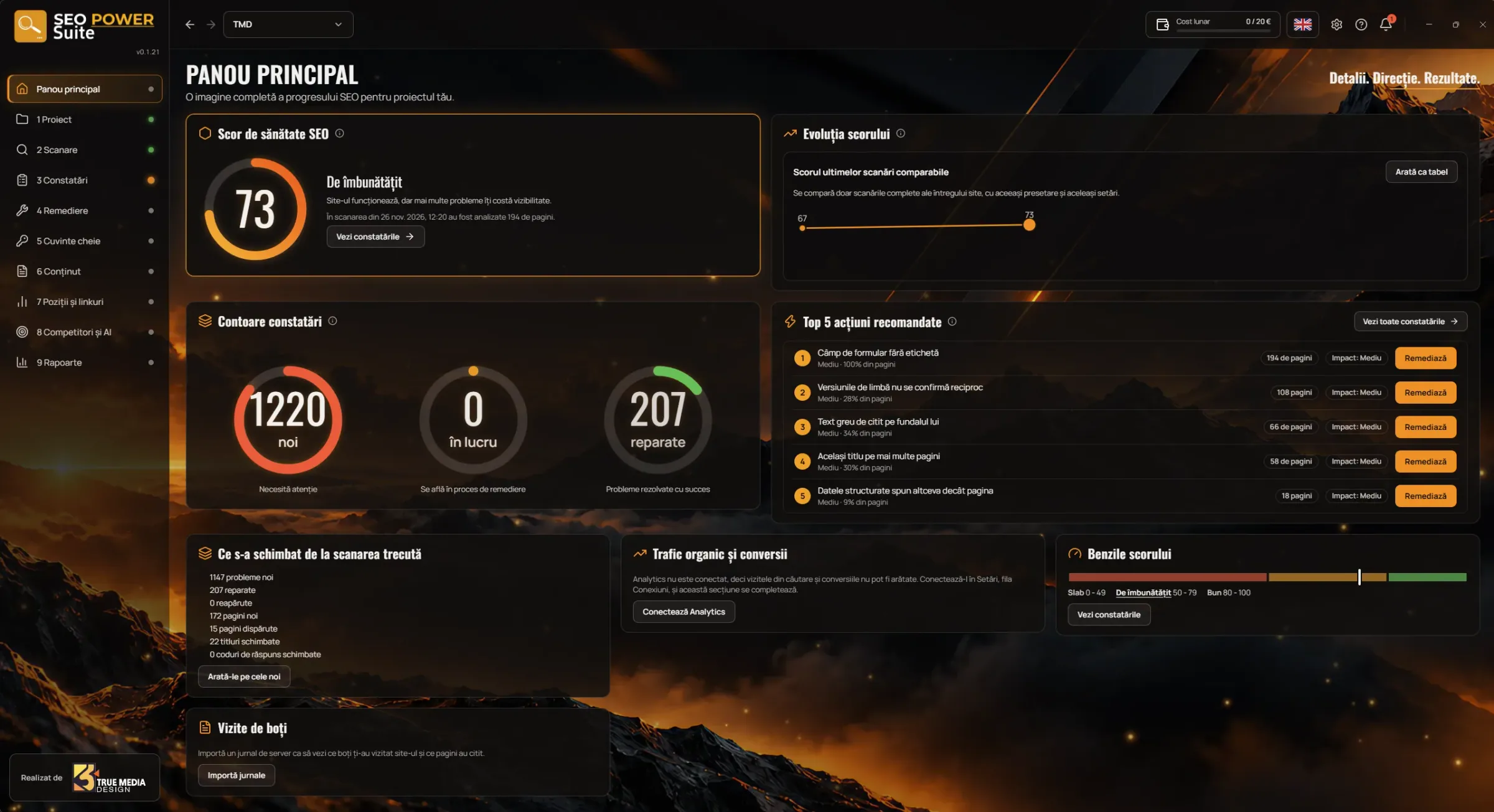
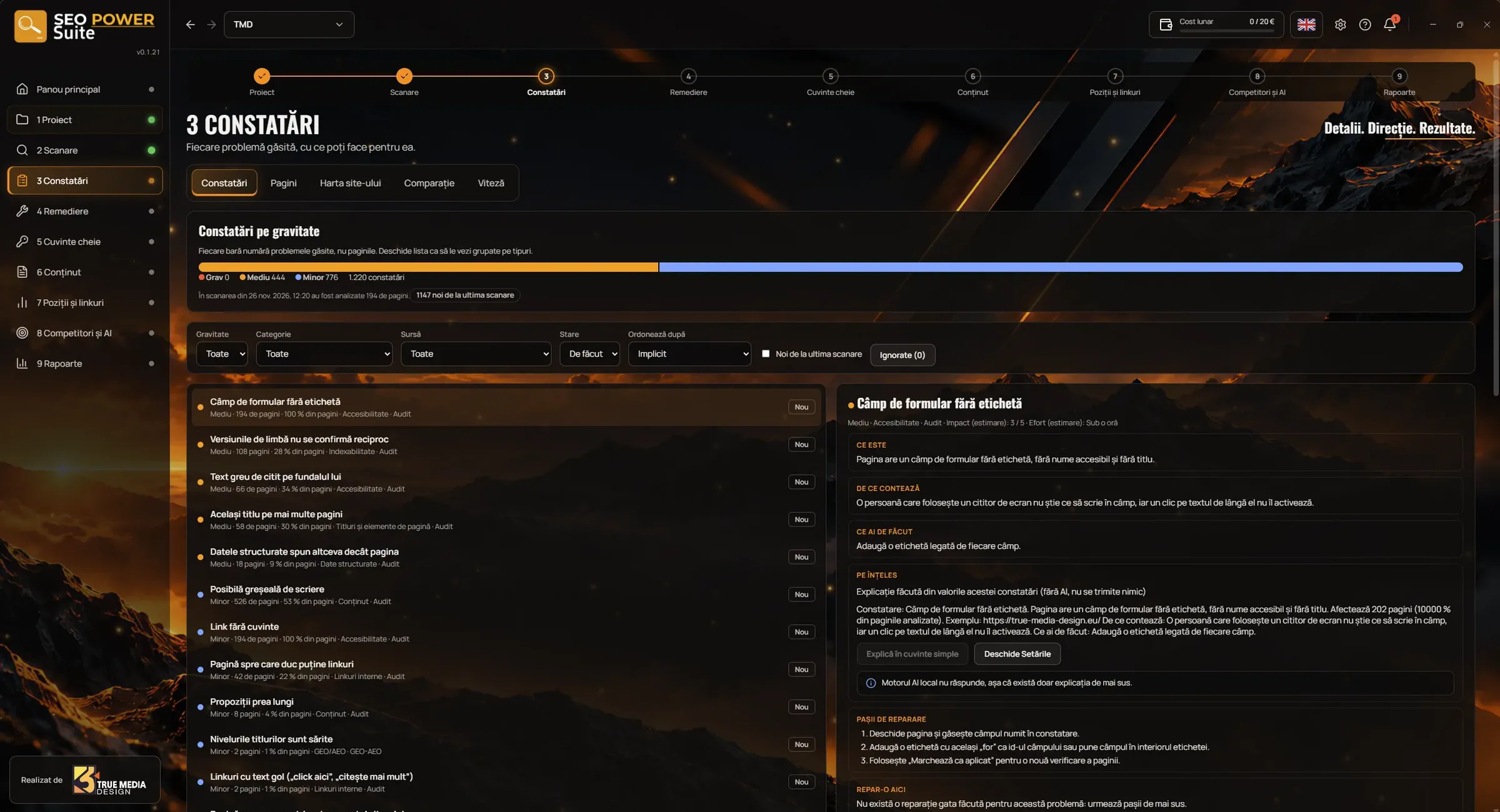
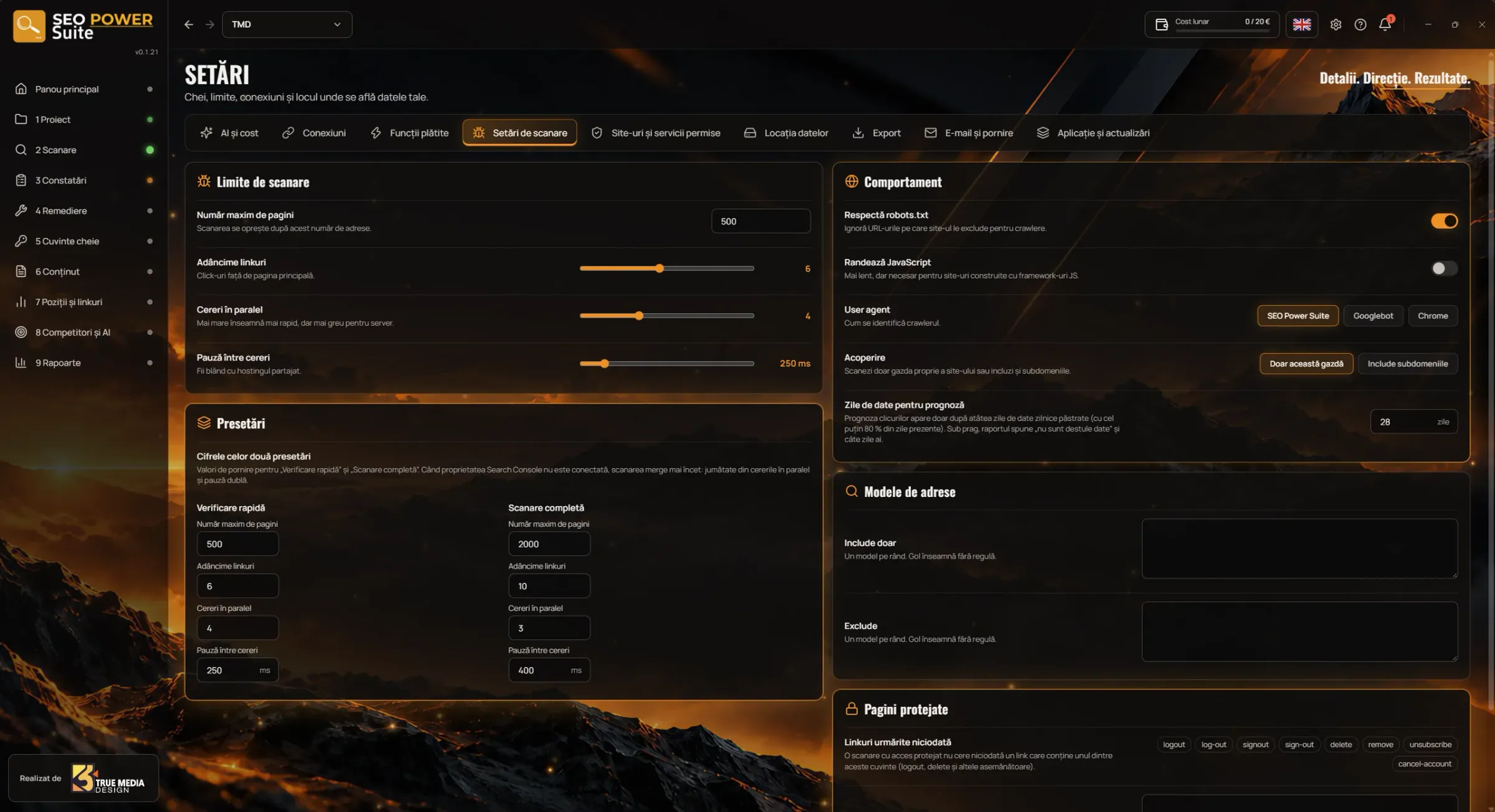
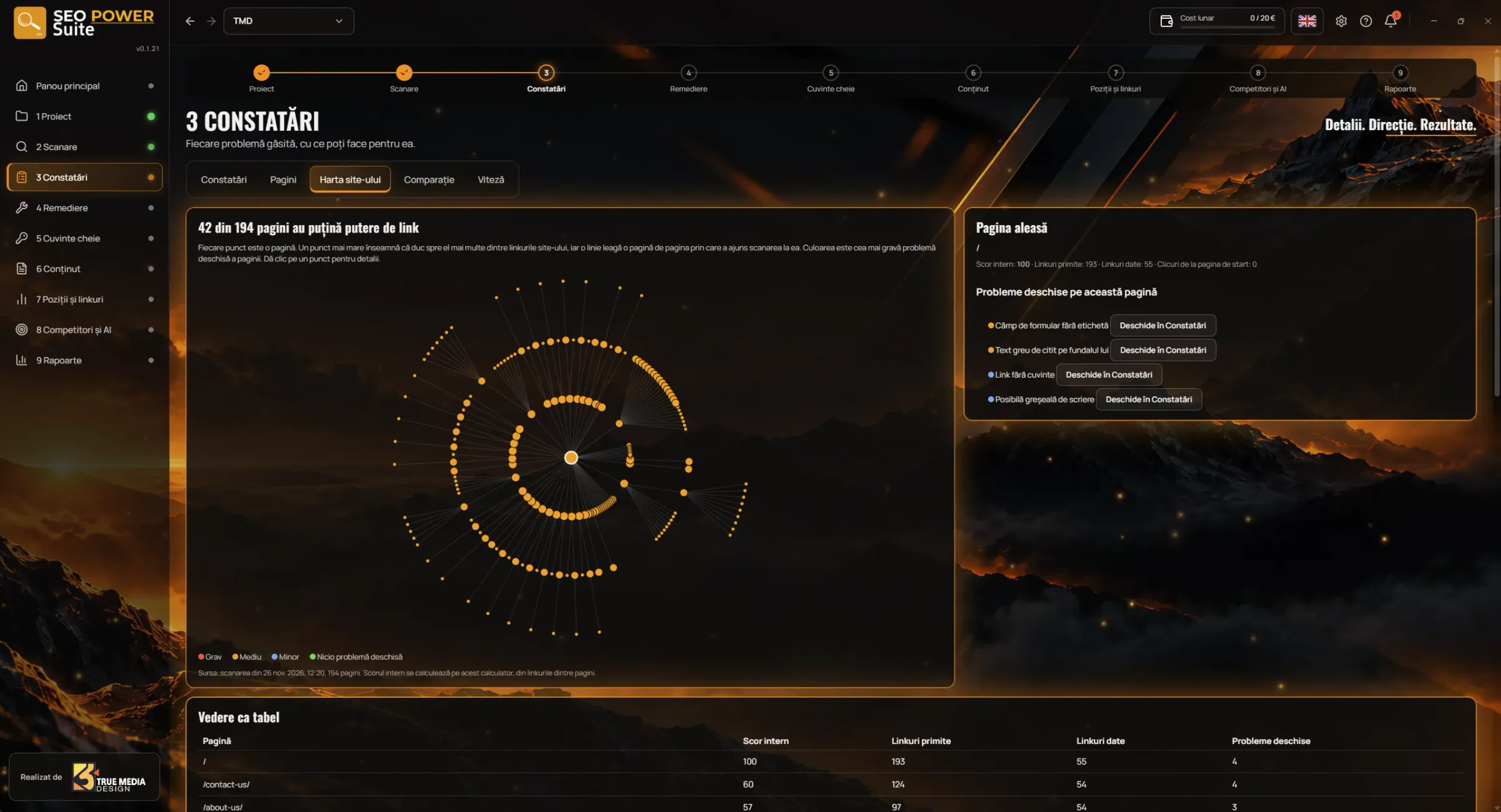
Scan a website and get a score from 0 to 100, with the formula in plain view. Each finding explains what it is, why it matters, what to do, and where to fix it. Issues are ranked by severity, number of affected pages, and impact versus effort.
Generated fixes, not just problems
The app produces robots.txt, sitemaps, redirects, canonical tags, hreflang, and llms.txt, with a step-by-step guide. Once you confirm you've applied a fix, it rechecks the website and moves the finding to "fixed" or back to "open."
A work plan for your developer
A task list with the page, the issue, the steps to fix it, and the estimated effort, which you can export to CSV, Excel, and PDF.
Your real data from Google and Bing
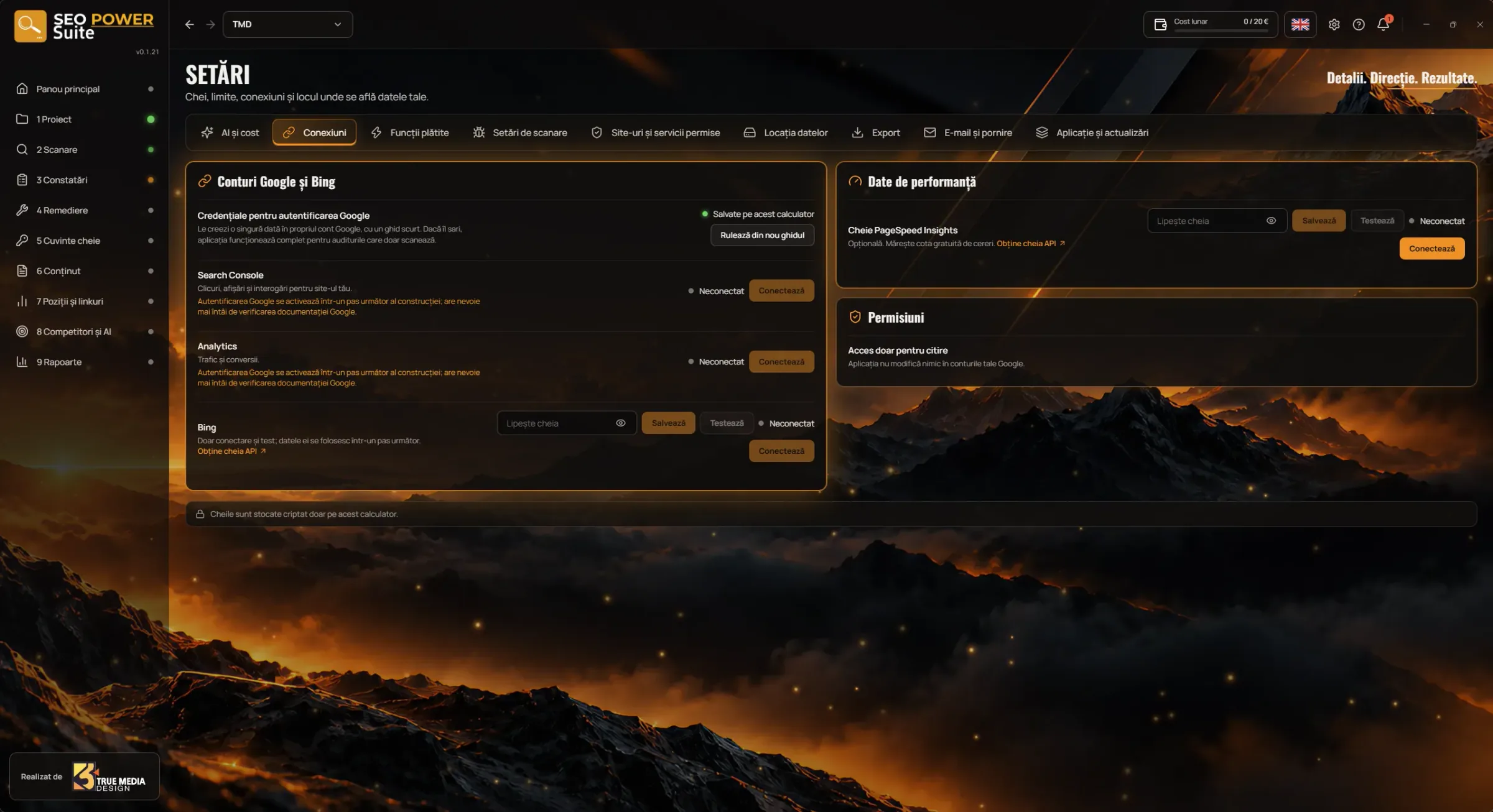
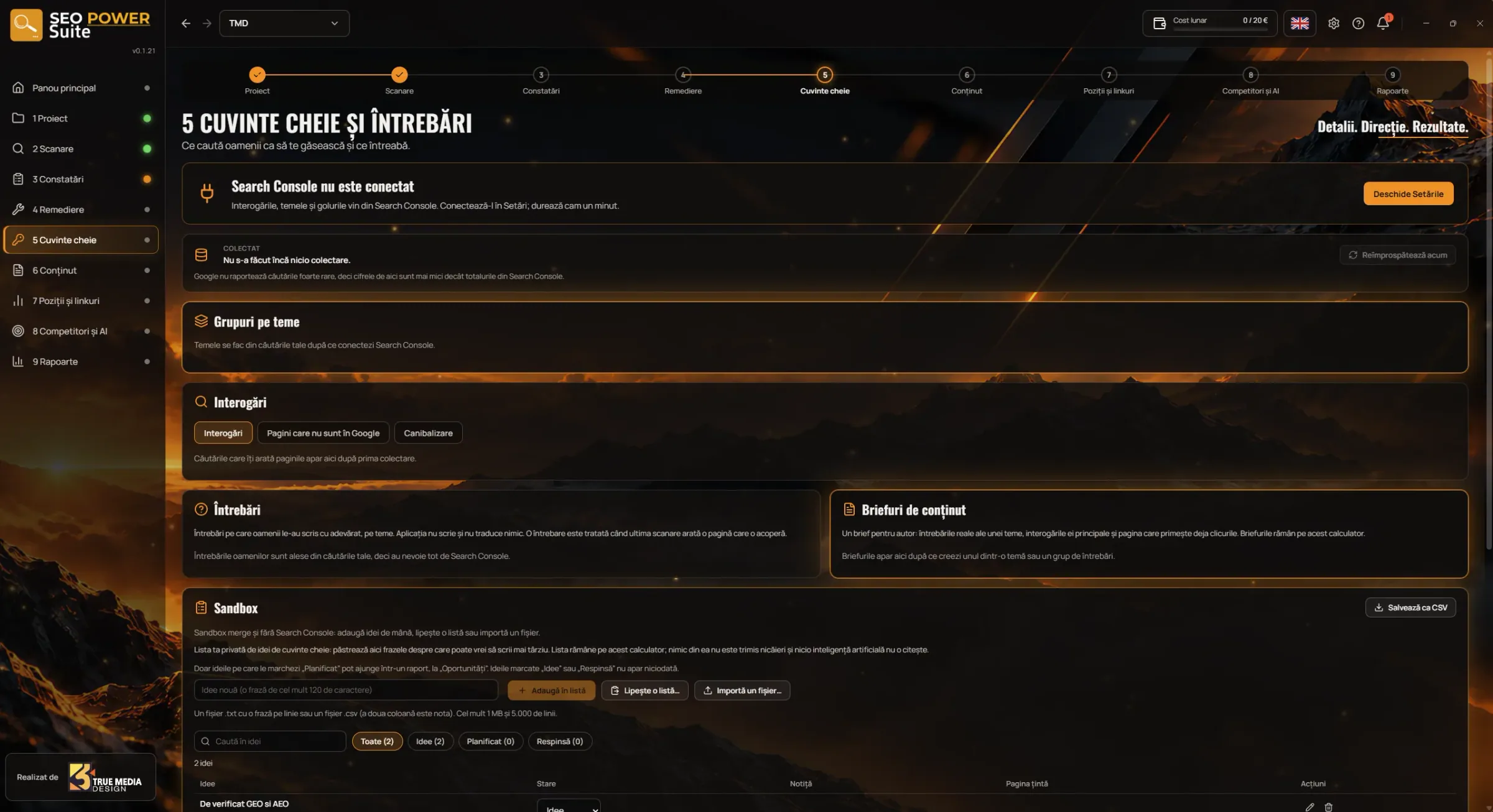
Connect Search Console, Analytics, Bing Webmaster Tools, and PageSpeed with your own account. History is kept on your computer with no time limit, so your progress over time doesn't depend on how long Google keeps the data.
Keywords from your real queries
Your Search Console queries, grouped into questions and topics, with the pages that compete with each other for the same search. No made-up search volumes.
A content editor with on-page checks
Tips based on a comparison with the competitors you choose, checks for direct answers and frequently asked questions, a Google preview, and suggested text for titles, descriptions, and alt text.
Rankings, links, competitors, and AI visibility
See where your website is cited, mentioned, or missing in AI assistant answers, with the cost shown before each run and a free manual option.
Server logs
Import Apache, Nginx, and IIS logs and see what Google, Bing, and AI bots actually visit. Real Googlebot and Bingbot visits are verified, so fake bots aren't counted.
Reports ready to send
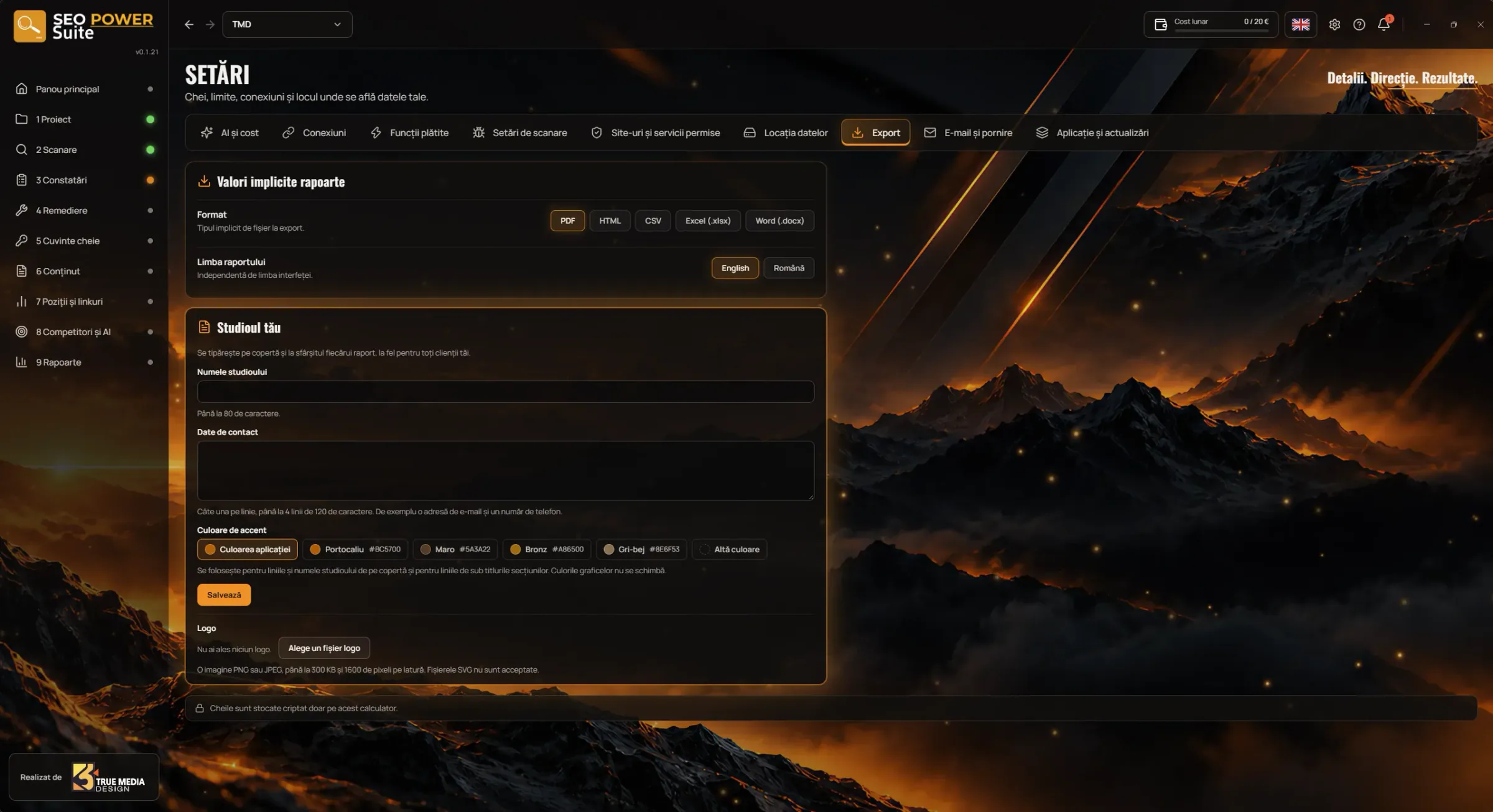
Four core reports (Client report, Technical report, Monthly summary, Initial audit / proposal) and a template editor with your name, logo, and colors, exported to PDF, HTML, CSV, Excel, and Word, in Romanian or English.
Alerts and monitoring
It lets you know when your website goes down, a scan finishes, a connection expires, or your domain is about to expire, in the app, through a Windows notification, or by email.
AI that helps but doesn't decide
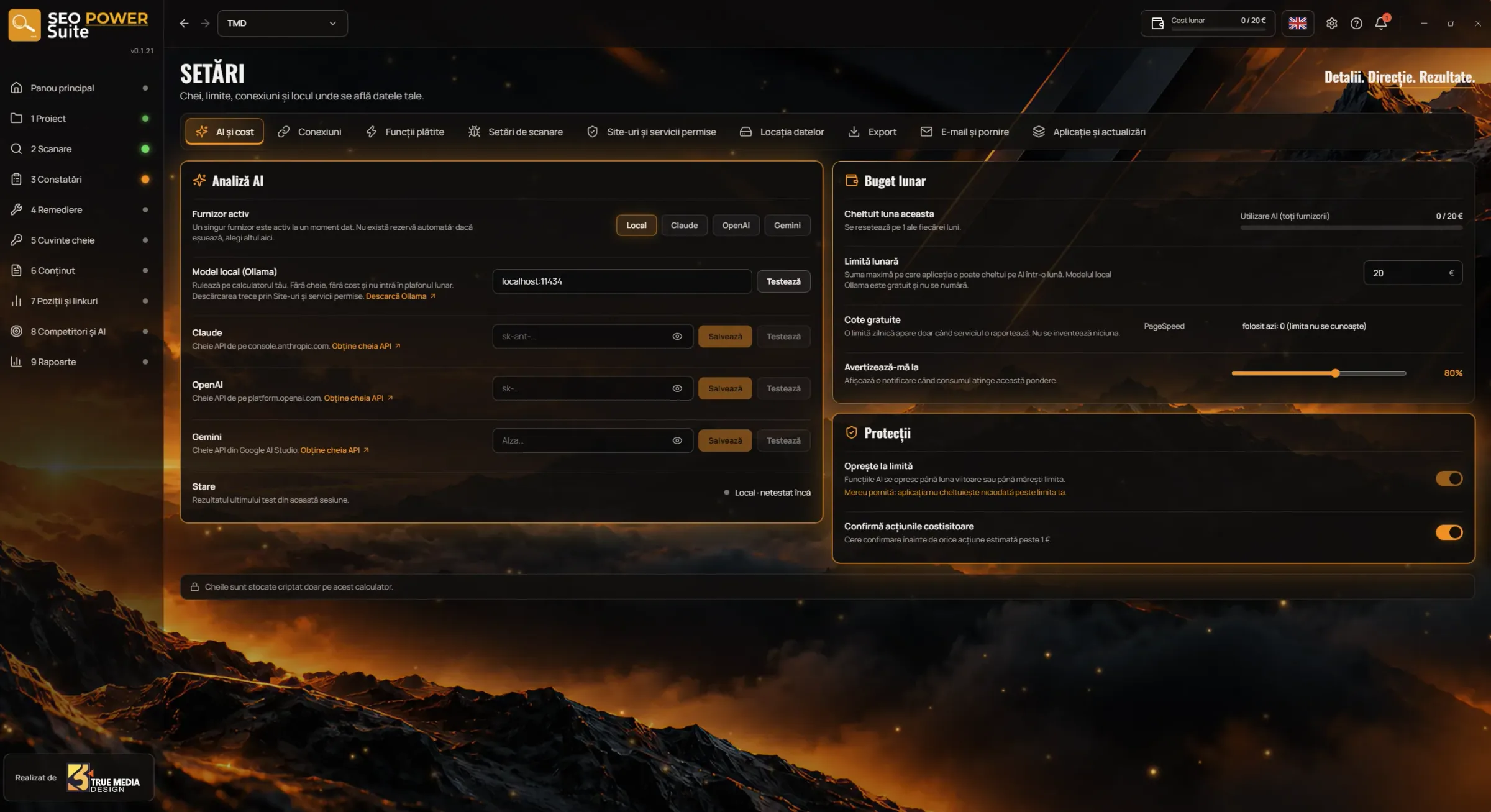
Optional: local AI on your computer (Ollama) or cloud providers, with your own key and a monthly cap you set. AI-generated text is labeled and goes into a report only after you approve it. SEO Power Suite works fully without AI.
Your data stays on your computer
No account, no telemetry, no automatic update checks. Keys are stored in the Windows vault and never end up in exports, logs, or reports.
How you work
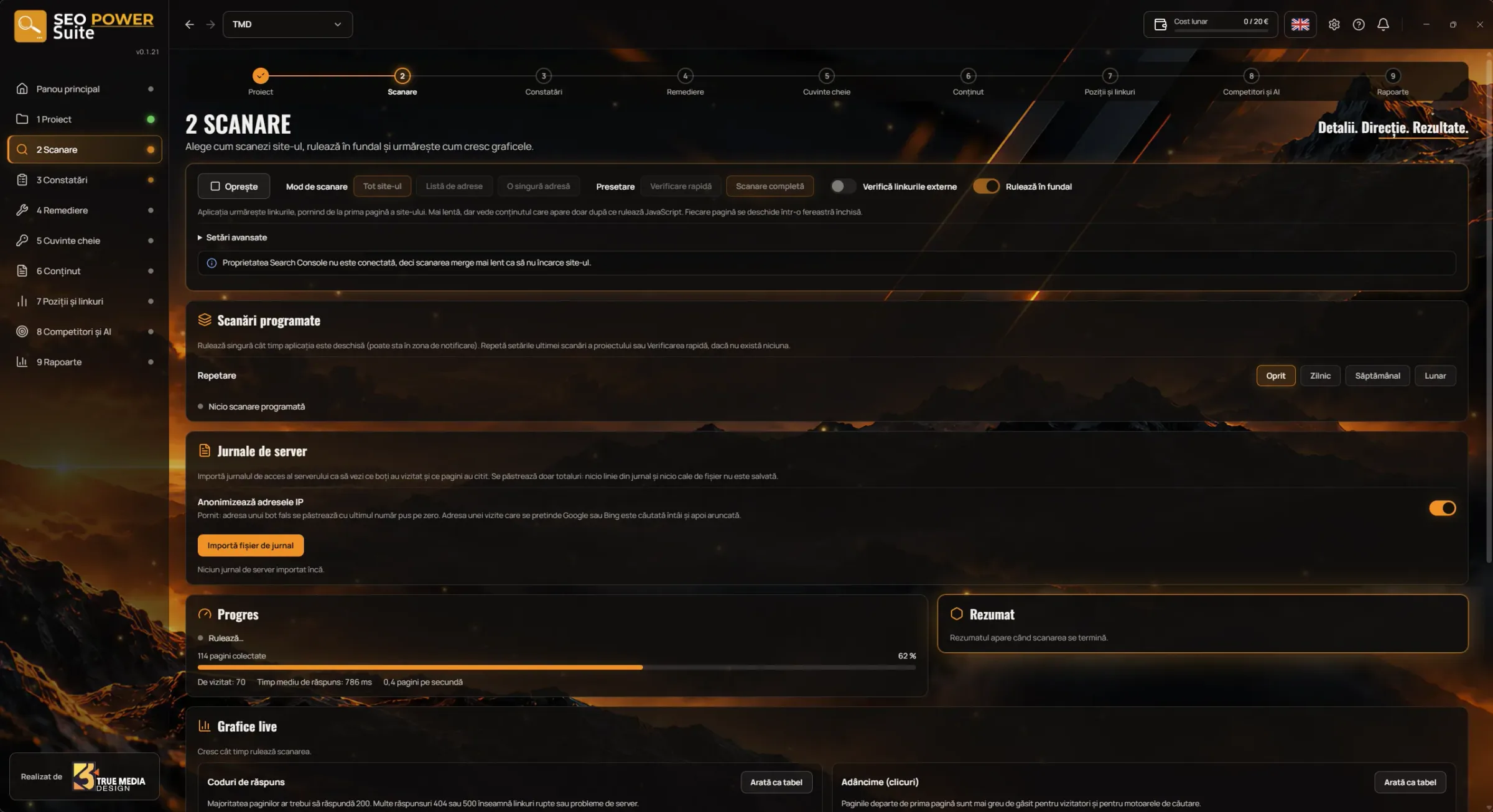
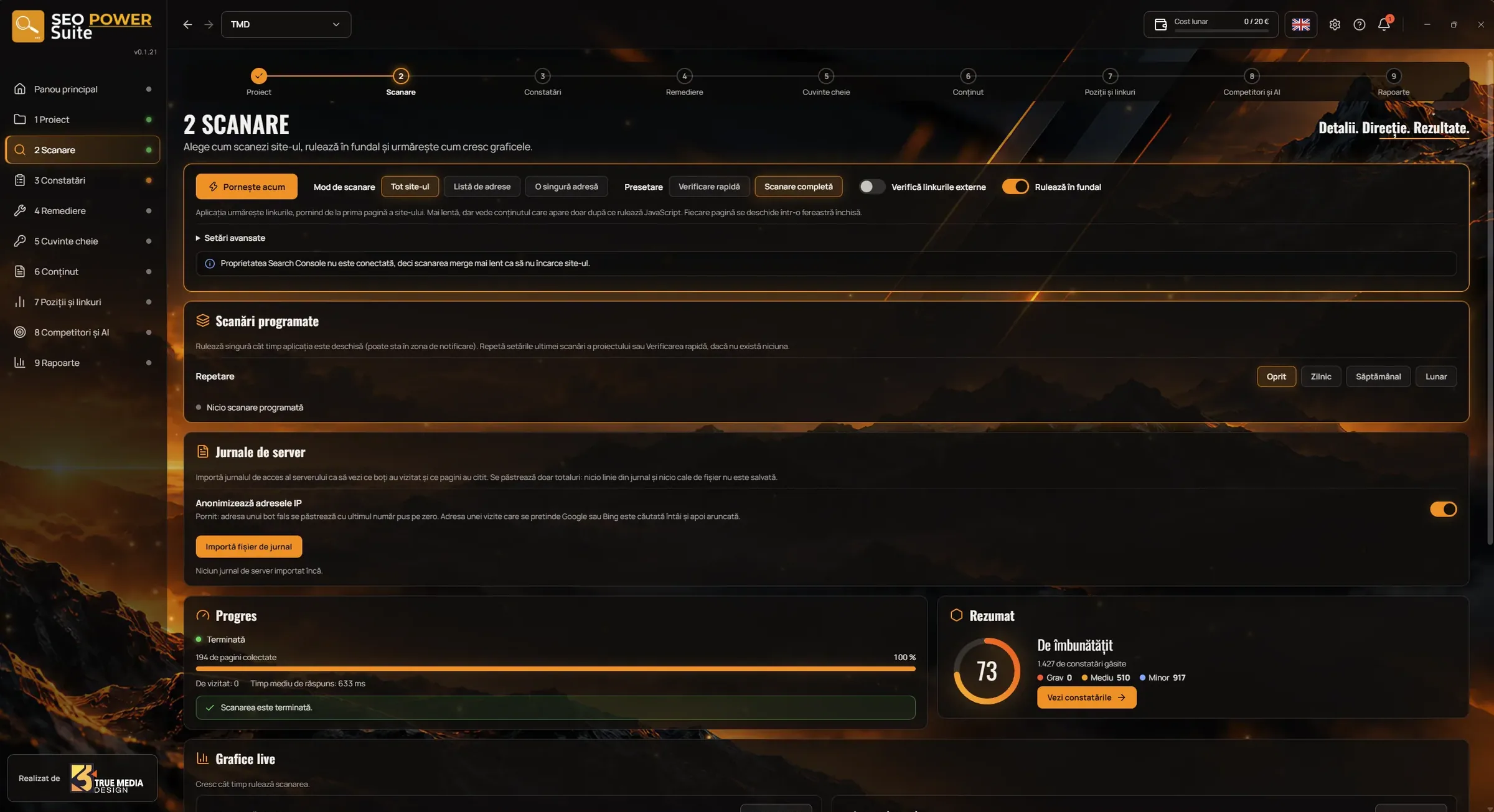
The menu has nine sections, in the order you work: Project, Scan, Findings, Fixes, Keywords, Content, Rankings and links, Competitors and AI, and Reports. Each one shows whether its work is done, in progress, or not started, and a screen with no data explains why and what you can do next.
Pricing
One edition: every feature is part of the same app, with no subscription, no license fee, and no activation keys. Paid third-party services (cloud AI, AI visibility, a Google search results provider) are optional, billed to you directly by the provider without going through the app, and never required to finish an audit. Every paid feature has a free alternative.
System requirements
Windows 10 or 11, 64-bit. It installs for the current user without administrator rights, and the database is built in, so you don't need to install any server. The interface is in Romanian and English, and you can switch languages at any time. It meets WCAG 2.2 AA: full keyboard navigation, screen reader labels, and zoom up to 200%.
Do I need an account or a subscription?
No. The app doesn't require an account and has no subscription.
Do I need an internet connection?
To scan a website, you need access to it. You can view data you've already saved without a connection. Nothing leaves your computer except requests to the website being audited and to the services you explicitly allow.
Do I need an AI key?
No. Without AI, the app uses text templates and guides. If you want help from AI, run Ollama locally or connect your own key, with a monthly cap.
Where is my data stored?
On your computer, in a local database. You can move the data folder, and a backup is made before any migration to a new version.
Can I work for multiple clients?
Yes. Each website is a separate project, and the same app handles as many clients and websites as you need. You can also create a combined report from several projects for the same client.
How do I update the app?
Run the new version's installer over the old one. Your history and data are kept.
Do reports match what's on screen?
Yes. Before a report is saved, its numbers are compared with the ones on screen, in every format. Below each chart and table, you'll see the source, the period, and the collection date.
The app in pictures
Related products


Need something built for you?
If you need a tool tailored to your own process, see our custom software and plugin development service or tell us what you need.
Let's Talk!