

Radar 360 CRM Note
A Free Offline CRM in a Single File
Radar 360 CRM Note is a free offline CRM that runs in your browser from a single file and keeps every company, contact, opportunity, offer, and interaction on your own computer.
Open one file, track a company from first contact to accepted offer, and never touch a server, an account, or a subscription.
What is Radar 360 CRM Note?
Radar 360 CRM Note is a free offline mini-CRM that runs in your browser, built by True Media Design. You open one file, and every company, contact, opportunity, offer, and interaction you type is saved on your own computer.
Many small businesses don't need a CRM platform. They need one place to note which company was contacted, who to call there, what was offered, and what happened last, without an account, a subscription, or a login screen.

Who is it for?
Freelancers, small agencies, and solo consultants who track a handful to a few hundred companies, and whose spreadsheet has become hard to trust.
Everything you get
A clear sales path
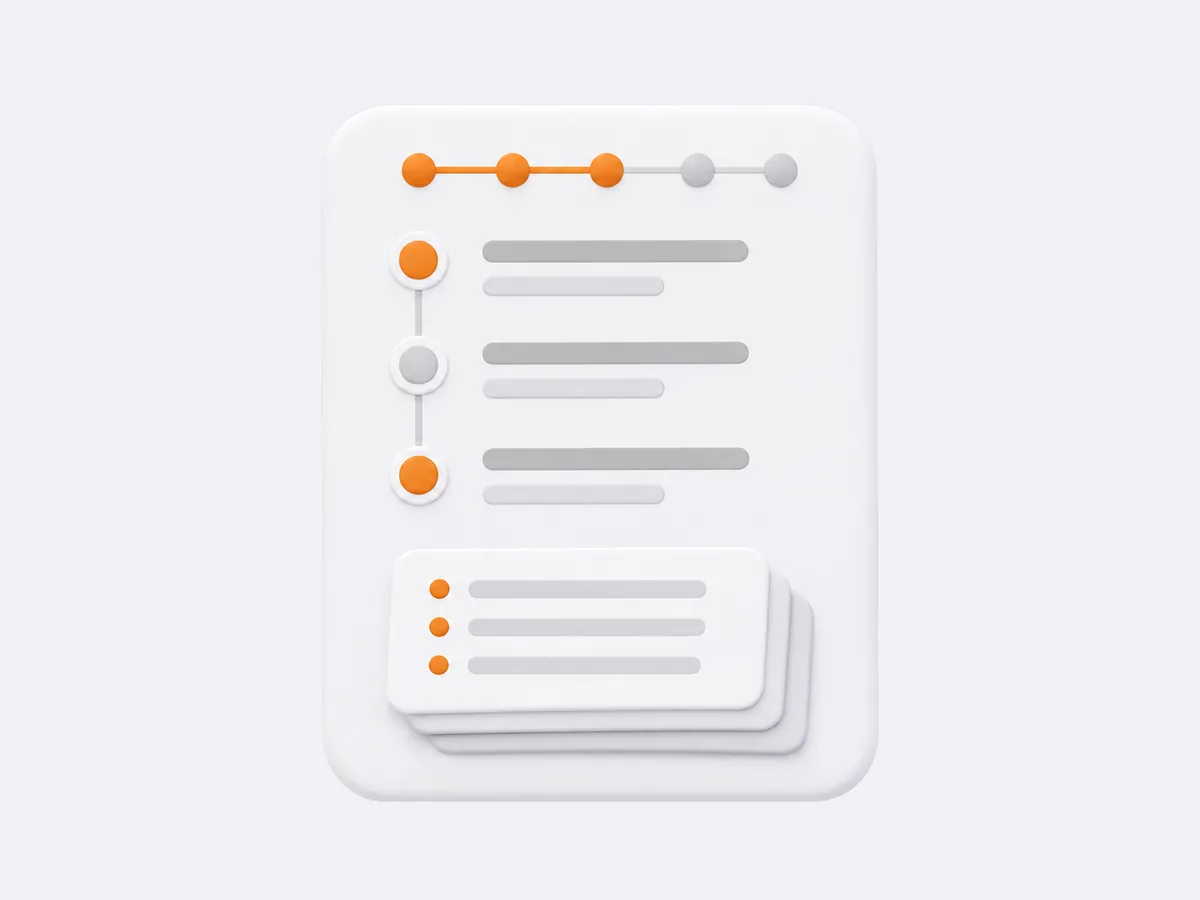
Five linked records (company, contact, opportunity, offer, and interaction), in the order a sale happens.
Nothing to install
Opens in Chrome, Edge, or Firefox, saves as you type, and works without an internet connection.
Real-life company details
Several phone numbers and emails per company, and company type tags such as producer, distributor, retailer, or importer.
Offer numbers handled for you
The next number is suggested automatically, and cancelling a form never wastes one.
A dashboard that reads your data back
Charts for companies, pipeline, activity, and contacts, six-month trends, conversion rate, and distribution by county and city.
Tables that are quick to work with
Search that ignores diacritics, sorting, filters, your choice of columns, bulk actions, and related records shown in place.
Imports that protect your data
CSV import and export by file or pasted text; rows that don't line up are rejected with a warning, and values in the wrong column are flagged before import.
Archive is not delete
Archiving can be undone; permanent deletion is a separate, deliberate action.
Full backup in one file
Save and restore everything with a single file.
Radar 360 CRM Note plans
Free, with no limit on records and no features held back.
What it runs on
Chrome, Edge, or Firefox, opened directly from the application folder. No installer, no account, and no internet connection needed. Light and dark themes included.
Is it really free?
Yes. There is no license, no record limit, and no paid feature.
Do I need internet or an account?
No. It opens from a folder on your computer and works offline.
Where is my data saved?
In your browser's own storage on your computer. Nothing is sent to a server.
What if I move the app folder?
In Chrome and Edge your data stays available. In Firefox, moving or renaming the folder opens an empty database, so restore your latest backup file.
Can I bring in my spreadsheet?
Yes. Import a CSV file or paste the text; columns are matched automatically and suspicious rows are flagged before import.
Related products


Need something built for you?
If you need a tool shaped around your own process, see our custom software and plugin development or tell us what you need.
Let's Talk!